
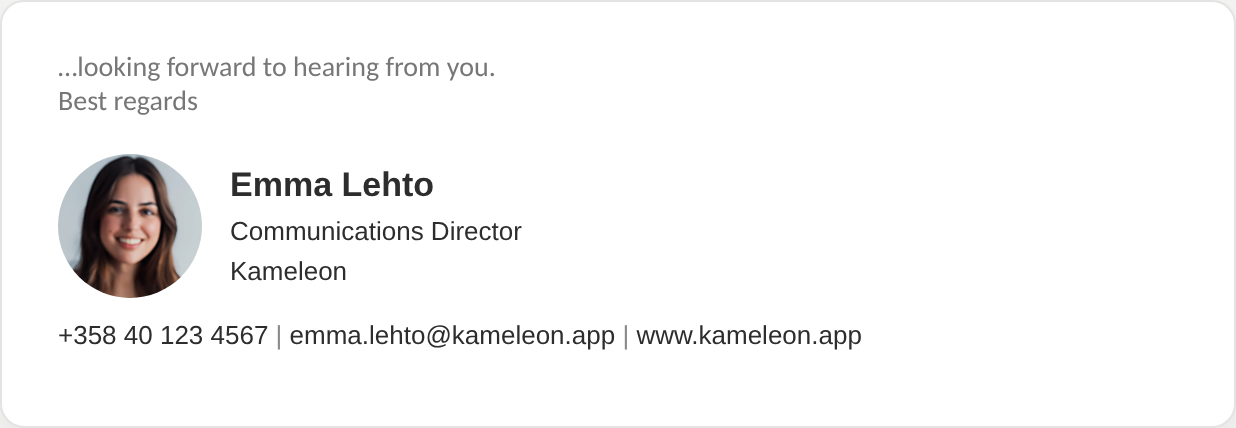
Simple and elegant
Photo, name, title and contact details – nothing extra.
Kameleon Signatures
Hundreds of emails leave your organisation every day. Kameleon makes each one carry the right look, the right details and this week's message – in Outlook on desktop, web and mobile.
Design a signature free →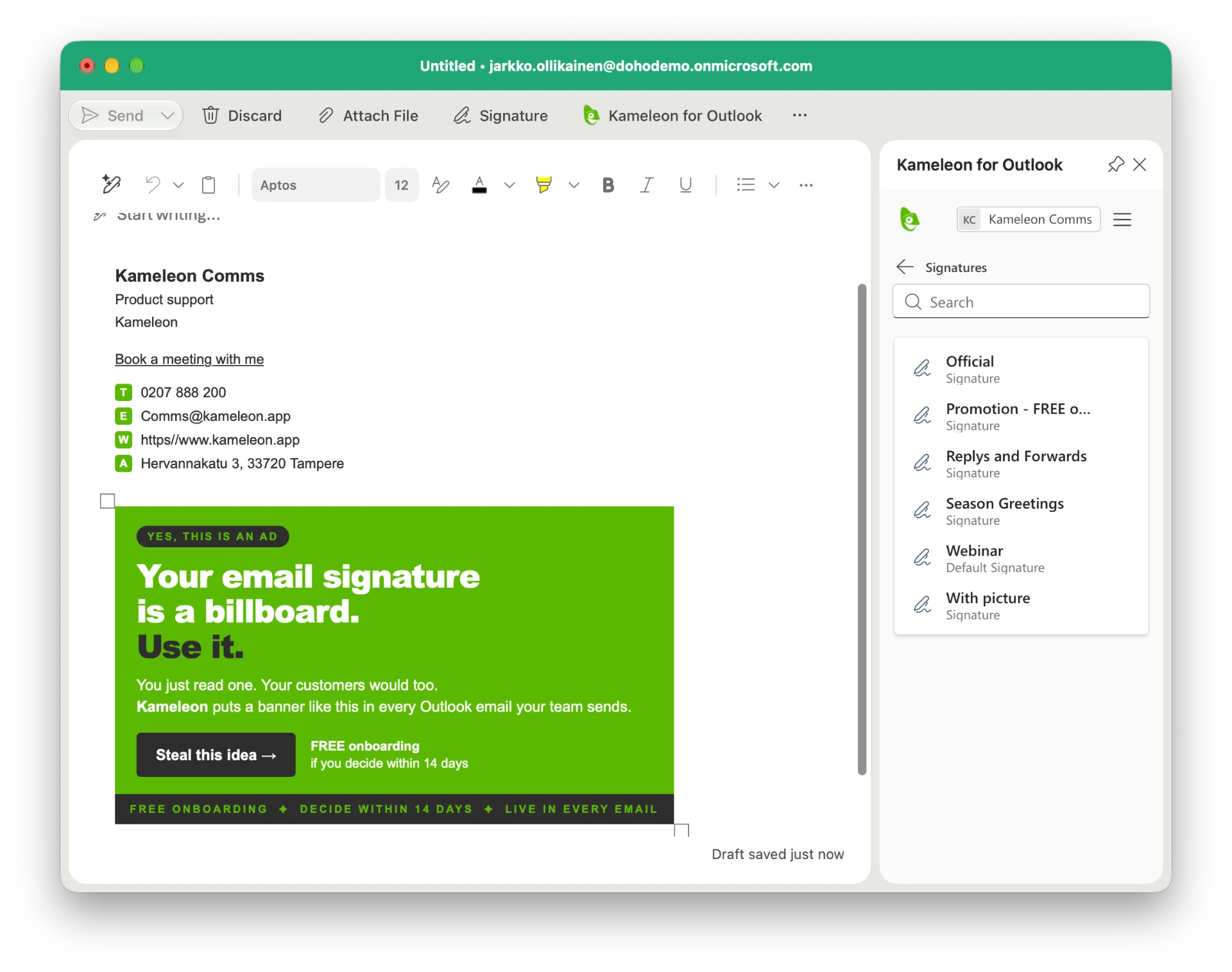
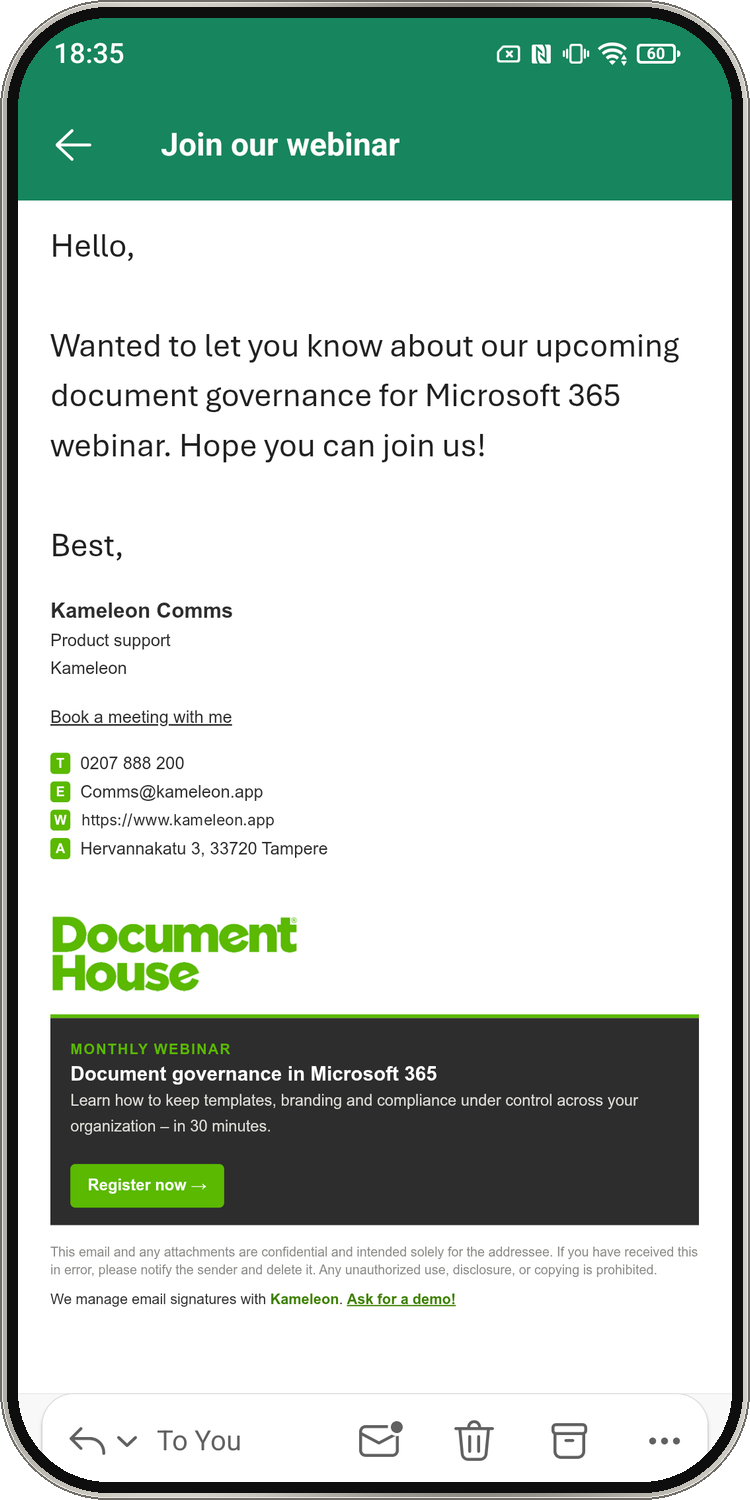
No home-made fonts, stretched logos or outdated titles. Every employee uses the approved design.
Marketing updates banners and details itself, within the limits IT sets – no tickets, no waiting.
Events, webinars, recruiting and launches appear in everyone's emails at once.
Signatures and banners show in Outlook for iOS and Android, so emails sent on the go look just as right.
Keep it clean and simple, or add a banner when you have something to say.
Photo, name, title and contact details – nothing extra.
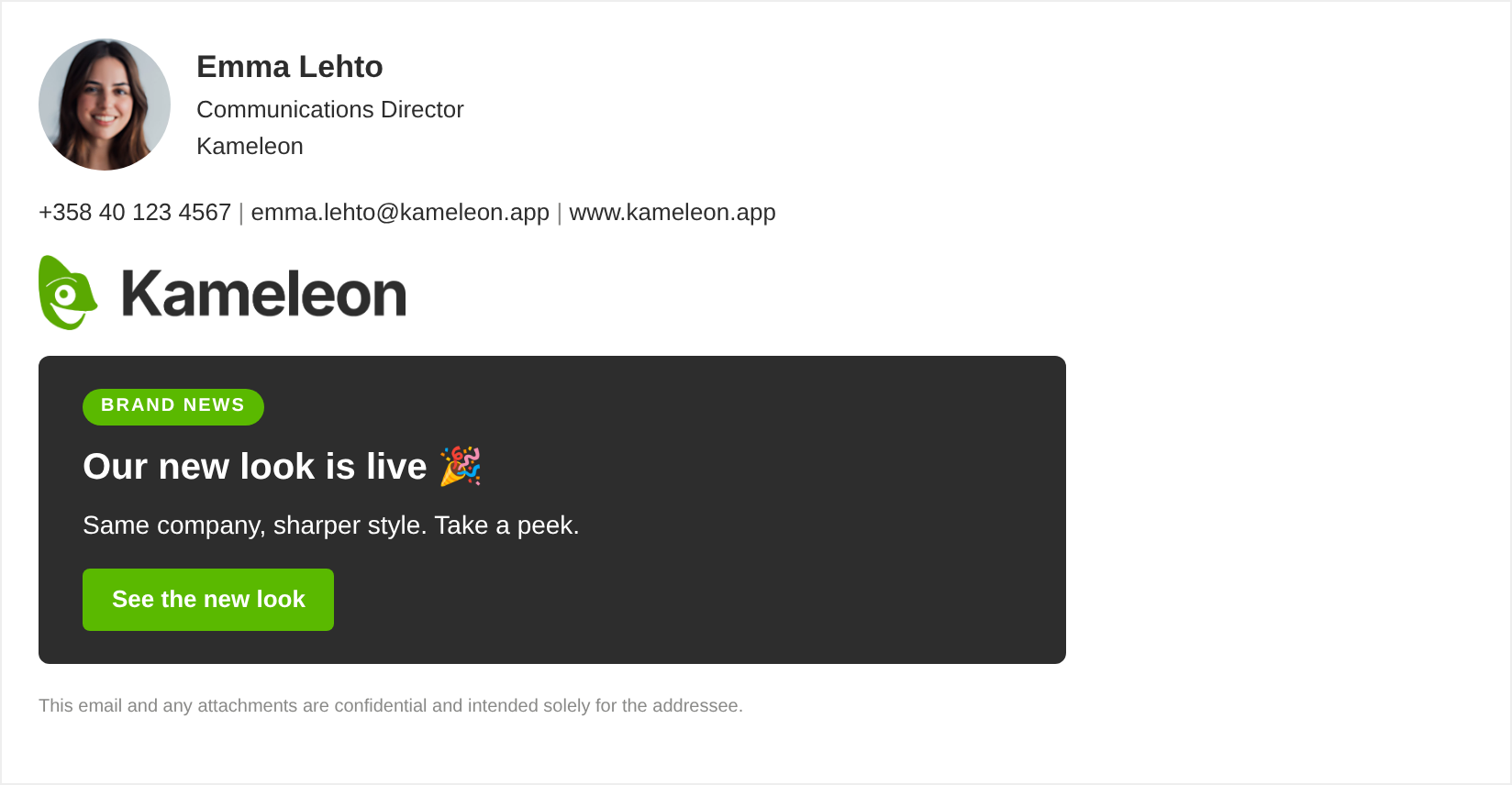
The same signature plus a campaign banner you change for everyone at once.
Pick a layout, add your logo and banner, and copy the finished signature in Signature Studio. Free.
Open Signature Studio →Kameleon works inside Outlook, so the sender sees the signature and banner while writing – also on a phone. Nothing is pasted in on the way, so threads stay clean.
For IT: Central control and fewer tickets. Marketing updates banners themselves, within the limits IT sets.
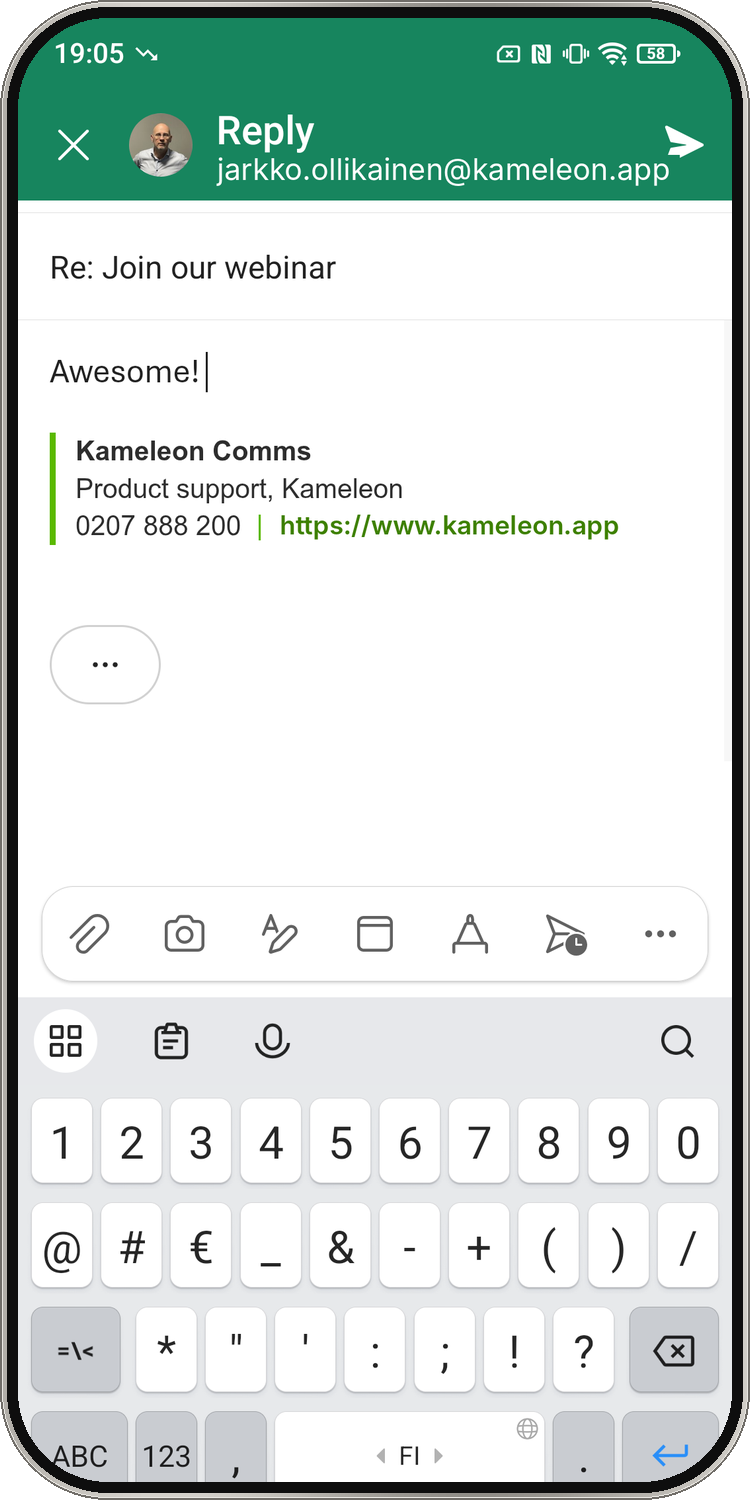
Kameleon for Outlook
Kameleon works inside Outlook, not on the mail server. The signature and message templates appear while you write, so the sender knows exactly how the email will look to the recipient.
Signature Studio
Describe what you want in Signature Studio, try different banners and copy the result straight to Kameleon, Outlook or Gmail.
Open Signature Studio →Every outgoing email can promote an event, a launch or a campaign. Change the banner once and it appears in everyone's emails. UTM-tagged links feed straight into the analytics you already use, such as Google Analytics or HubSpot – no new reporting tool to learn.
Once you decide, Kameleon sets you up. Then IT deploys the add-in, we train your team together, and communications takes over: pilot, launch and ongoing care. Open a step for the details.
In the Microsoft 365 admin center go to Settings → Integrated apps → Upload custom apps. Choose Office Add-in, select 'Provide link to manifest file' and enter https://office.kameleon.app/manifest.outlook.xml. Validate, choose the pilot group first, then make it a policy to add it for all users, accept the permissions and finish.
https://office.kameleon.app/manifest.outlook.xmlAn administrator approves Kameleon once on Microsoft's consent screen, so Kameleon can read users' profile details (name, title, phone, office) from Microsoft Entra ID.
It can take up to 24 hours for the add-in to show up for all users. Start with the pilot group, then widen to everyone.
Use the new signature with a small team for about a week in everyday emails, on desktop and phone. Collect what looks wrong or is missing.
Your signatures are already built, so this is fine-tuning: adjust details from the pilot feedback, check the new-email and reply versions, and try a banner.
Communications sends everyone a short note. Employees have nothing to install or fill in.
Subject: Our new email signature from [date]

Hi all,

From [date], your email signature will be added automatically in Outlook – on your computer, in the browser and in the Outlook app on your phone (Outlook, not the phone's default mail app). You don't need to do anything.

New emails will look like this:
[Screenshot: new email signature]

Replies and forwards use a shorter version:
[Screenshot: reply signature]

Your name, title and phone number come from our company directory. If something is missing or wrong, for example your title or phone number, please email [address].

Thanks,
[Name], Communications
Happy with your signatures? Expand Kameleon to the rest of your document governance – templates, presentations and AI-assisted document creation.
No Kameleon Hub needed. Pick your user count and pay securely with Paddle. We contact you within one business day to start onboarding.
50 users
140 €
/ month
100 users
190 €
/ month
250 users
290 €
/ month
500 users
450 €
/ month
1,000 users
690 €
/ month
1,000+ users
Quote
tailored
Prices excl. VAT, per month. 12-month term. Onboarding €690. Over 1,000 users: tailored quote.
Whoever owns your signatures usually owns your templates and presentations too. When you want to go further, Kameleon Hub brings the same governance to Word, PowerPoint and AI-generated documents.
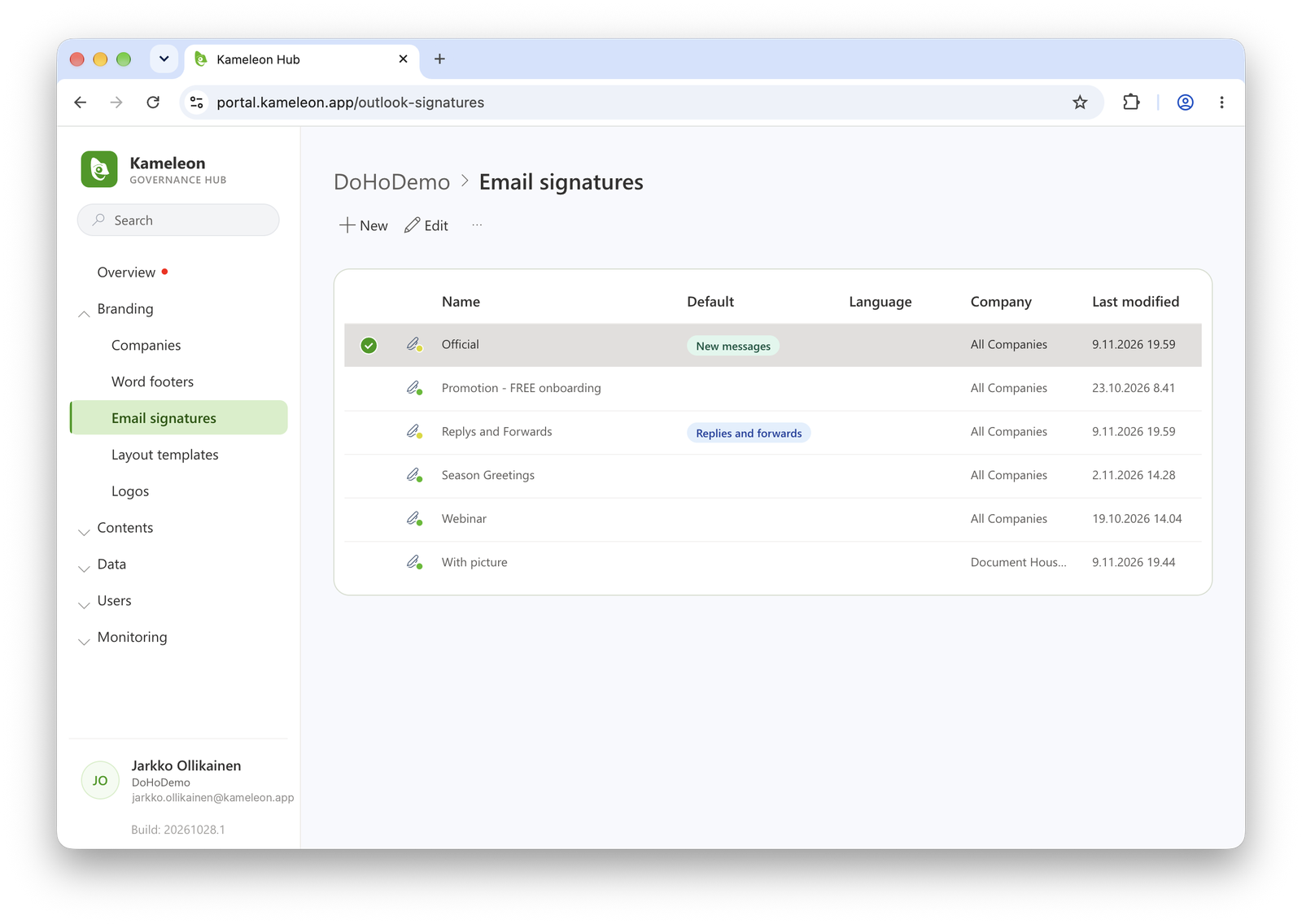 Explore Kameleon Hub →
Fifteen minutes is enough to see whether it's worth going further. We'll show how signatures and banners update for everyone at once.